English
▼

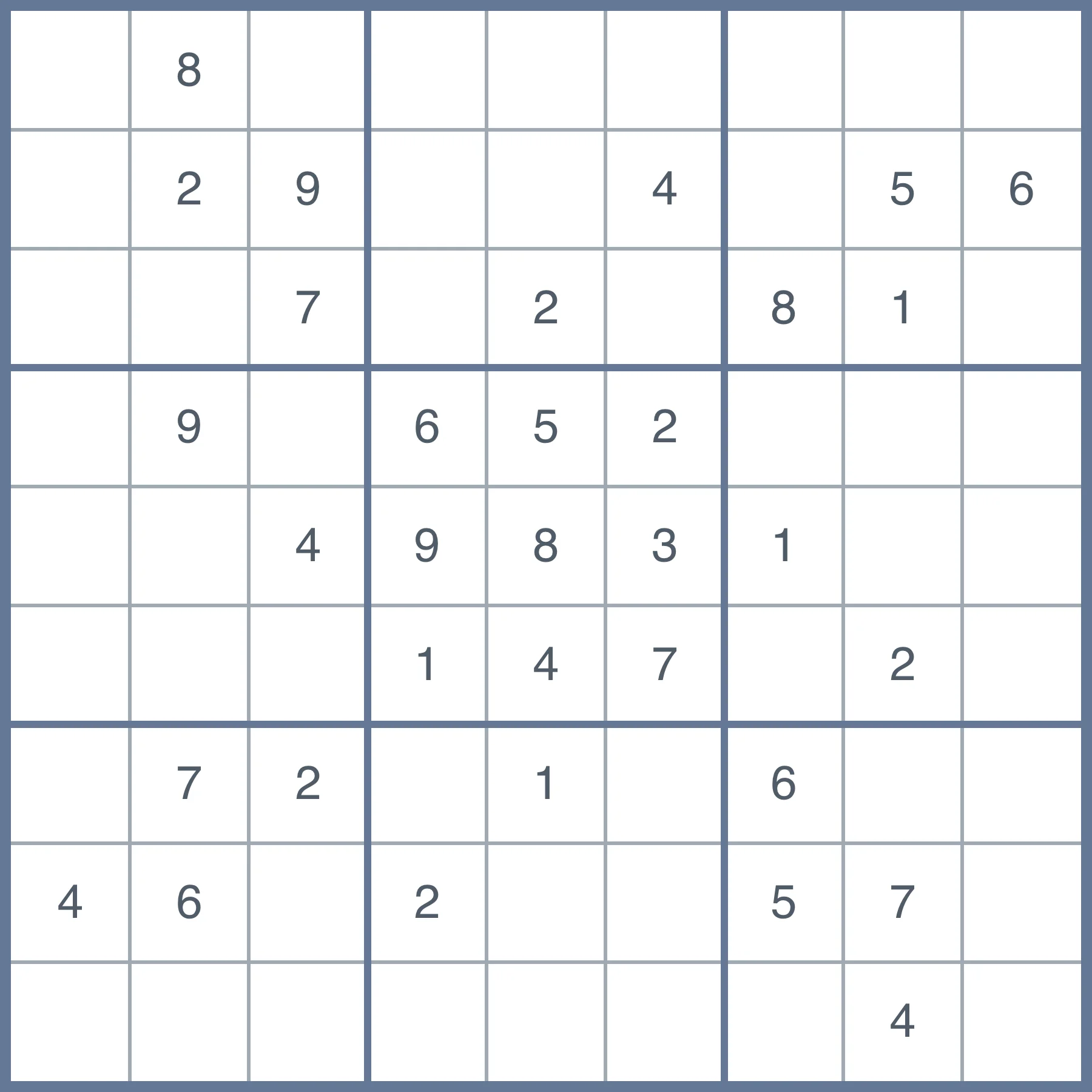
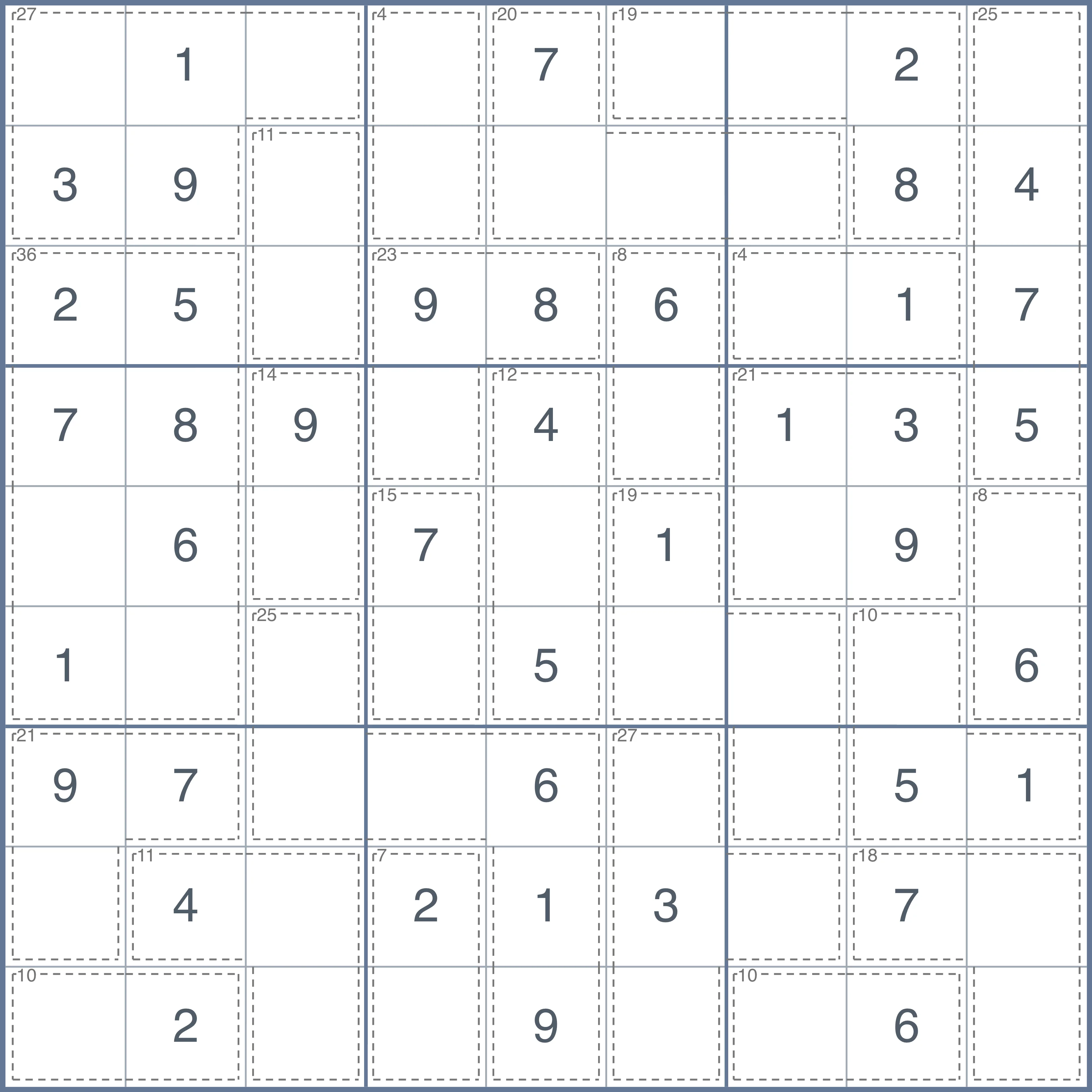
Pick 4×4, 9×9 or Samurai — each grid keeps its own cached board and pencil marks so you can switch any time.
Use the on-screen number pad or your physical keyboard. In Start-from-Full mode, click any cell to erase it. Pencil mode lets you jot candidate numbers in a cell.
Conflicts, unique-solution count and difficulty rating update live with every keystroke — design a printable puzzle that solves cleanly.
Pick PNG / SVG / JPG / PDF and click Download / Print, or hit Share Link to send your custom Sudoku to friends.
Open the Sudoku Maker, pick a 4×4, 9×9 or Samurai grid, switch to Fill-in-Blanks and type the digits you want. The engine validates conflicts, unique-solution count and difficulty rating as you type, so you know the moment your board becomes a valid playable puzzle.
Yes. Select 9×9 in the Grid Type control, then either type digits into an empty board (Fill-in-Blanks) or erase digits from a full board (Start-from-Full). The status bar shows you exactly how many clues remain and whether the result is solvable.
Yes — design any layout you like and the live difficulty rating (Beginner → Extreme) recalculates automatically. You can also pick a difficulty from the Generate control to spin up a known-rating puzzle in one click.
Yes. The Sudoku Maker is 100% free, with no login, no watermarks and no usage limits. Every export is clean and ready to print or share.
Yes — pick PNG, SVG, JPG or PDF in the Format section and click Download / Print. The export is crisp at any paper size, with the solution included for the PDF option.
Yes — click Share Link to copy a URL that loads your exact board. Recipients open the link in any browser and the puzzle loads ready to solve.
Yes. Each (grid type, input mode) pair has its own auto-save in your browser, so refreshing, closing the tab or coming back the next day never loses your work.
We run the current board through our Rust-powered WASM solver. If exactly one solution exists the board is marked unique; otherwise we report the number of solutions or 'no solution'.
We feed the board into the same WASM engine that rates generated puzzles (based on solving techniques required). Samurai uses the highest sub-grid difficulty as a rough indicator.